
Stop Manually Typing Supplier Invoices into QuickBooks Online.
Bookkeeper Assistant automatically parses supplier statements, matches bank feeds, and applies remittances—staging perfect line-item reconciliations for your 1-click approval. Zero manual data entry. Total control over your ledger.
Official QuickBooks Approved Partner • No credit card required • Drafts entries for review without changing your books automatically
Five reconciliations, done every time instead of once a quarter
Supplier statement validation
Parses the supplier's own PDF statement, pulls every open bill from QuickBooks, and sorts every difference into four classes — open on your books and silent on theirs, open but dated after the statement, the same invoice at a different amount, or claimed by the supplier with no bill in your system at all.
Payables ageing by job and by supplier
Rebuilds the ageing from the bill lines themselves instead of reading the report, so it can cut by job and by supplier at once — and proves itself against the QuickBooks AP Aging report before it says anything.
Found that over a third of payables couldn't be charged to the job that caused them
Book a callBank reconciliation
Pulls the bank feed and the QuickBooks register, proves the feed is complete by arithmetic first, then matches in three passes instead of one.
Found a six-figure cash overstatement between the books and the bank in a single account
Book a callCash application from remittances
Reads the accounts mailbox, extracts every remittance PDF, matches invoice references against QuickBooks under explicit rules, and posts customer payments capped at the live balance on each invoice.
$74K of cash applied correctly in one pass — after finding two straight months where remittances arrived and nothing had been applied
Book a callDaily reporting agents
Three scheduled agents pull live from your field system before you start work — job flow at 7am, invoices pending export at 8am, service revenue by technician at 9am.
Found that two of the three headline metrics on the existing reports were duplicates carrying no information at all
Book a callResults from a real contractor's books
One commercial plumbing contractor's books, kept anonymous. These are what the reconciliation found, not an industry average.
What Bookkeeper Assistant will not do
It does not move money
Read-only by default. Where a fix needs a write, it writes the instruction and a named human approves and executes it.
It does not close the month unassisted
Deposits, journal entries and credit applications still need a person in the QuickBooks interface.
It does not replace your bookkeeper
It hands them a worked, sourced list instead of a question — the duplicate bill, the unrecorded deposit, the misapplied payment, already explained.
It does not fix a broken upstream sync
If your field system's export to accounting is failing silently, that shows up as a finding — fixing it is a separate conversation.
Find out what your books are hiding
Thirty minutes is enough to see whether your supplier statements, bank feed and QuickBooks agree with each other — and what it's worth if they don't.
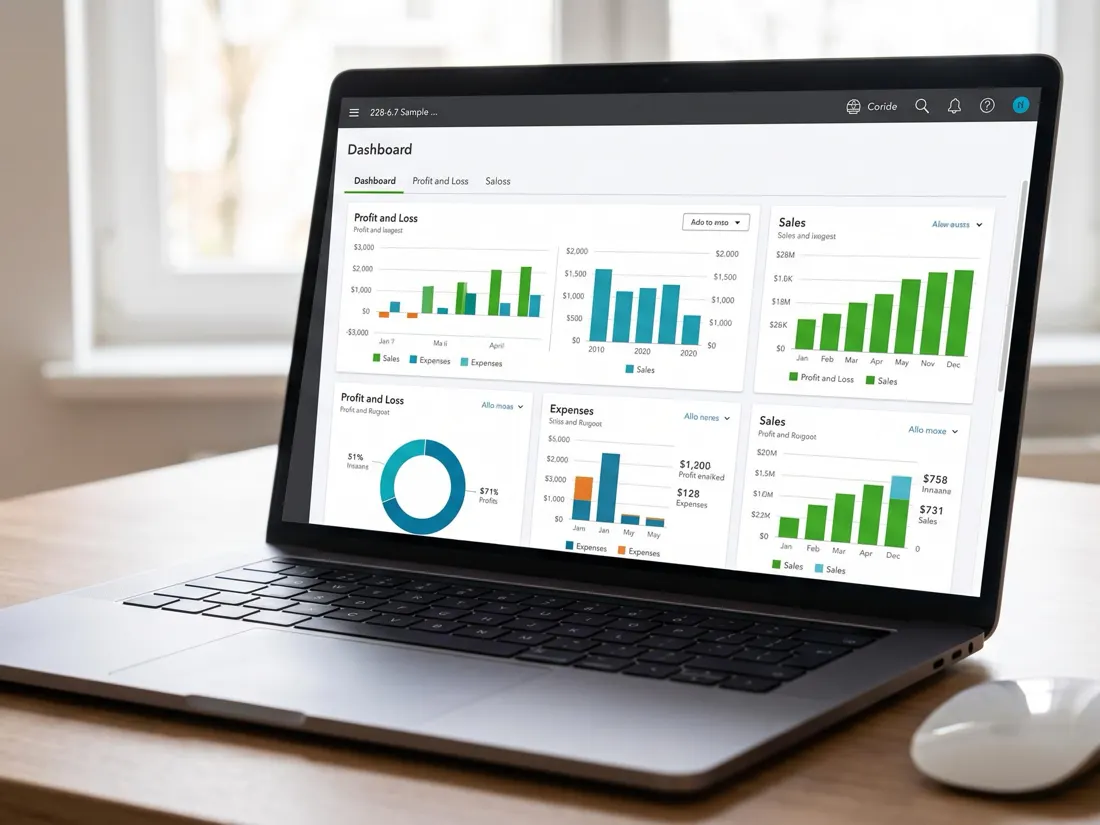
QuickBooks Online, your bank feed, your field system and the accounts mailbox — nothing migrated, nothing replaced.